When people ask for “3D,” they usually mean one of three things: still renders, a walkthrough animation or a 360° tour. All three are made from the same 3D model, but they do different jobs, take different amounts of work and suit different moments in a project. Here’s how I help clients choose between 3D rendering, animation and a 360° tour.
Still renders: the workhorse
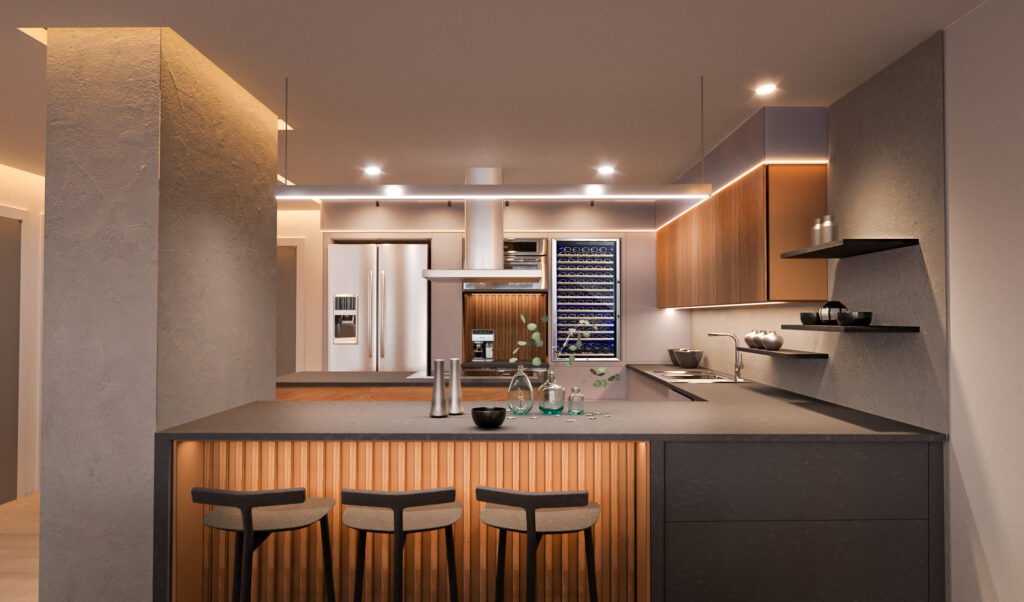
A still render is one photoreal image from one camera position. It’s the format most projects need, because it answers specific questions clearly: does the island fit, do these cabinets work with this floor, how does the house look from the street?
- Best for: design decisions, client approvals, listings, brochures and websites.
- Strength: the most detail and control per image. Every material, light and angle can be tuned.
- Limit: it shows one view. Moving through the space is left to the imagination.
Stills are priced per image, usually $250 to $350 each. I wrote more about what changes the price of a render.
Walkthrough animations: when movement sells the space
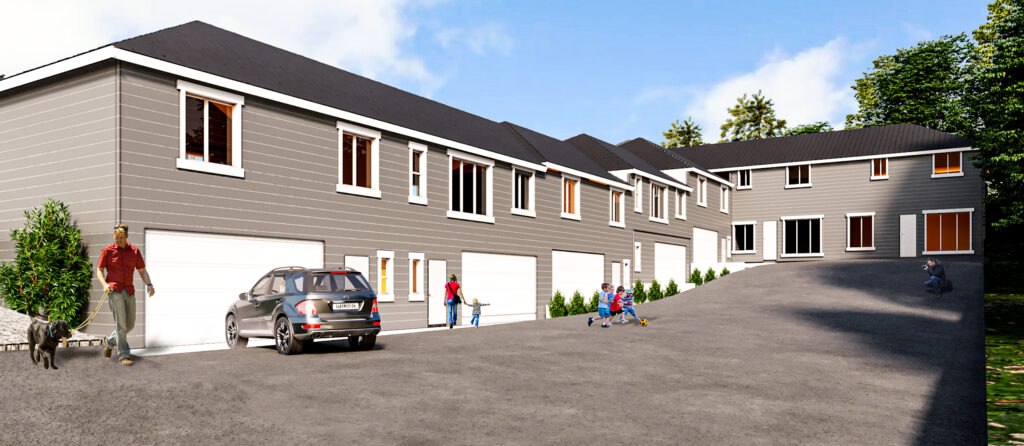
An animation is a short film that moves through the space along a planned camera path. It shows how rooms connect, how light changes through the day and what it feels like to arrive. For exteriors and larger projects, that sense of movement is often the whole point.
- Best for: developers and pre-sales, investor presentations, larger homes, hospitality and commercial spaces, and social media.
- Strength: people, cars and moving light make a project feel real and lived in.
- Limit: more work than stills, because every frame has to look right and the camera path has to tell a story.
I use two tools. Lumion is good for fast walkthroughs with moving people, cars and changing light, especially for exteriors and early design reviews. Unreal Engine, a real-time game engine, gives the most realistic films and also powers interactive walkthroughs. You can see examples on the animations page.
360° tours: let people look around on their own
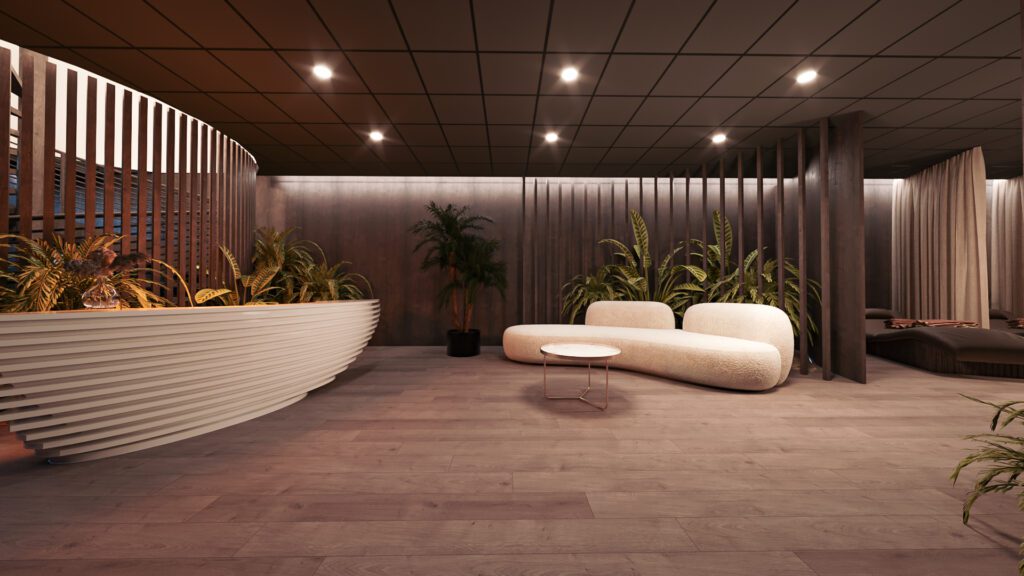
A 360° tour is a set of panoramic views you can turn around in, on a phone, in a browser or in a VR headset. Instead of me choosing the camera angle, the viewer does. It’s the closest thing to standing in the finished room.
- Best for: clients who want to explore at their own pace, hotel rooms and model units, showrooms, and clients who can’t visit in person.
- Strength: interactive, easy to share as a link, and convincing in a headset.
- Limit: each viewpoint is fixed in place, and the detail in any one view is a little below a polished still.
You can try a 360° tour on the site.
How to choose
- You need to make decisions about layout, finishes or colors: stills.
- You need to sell or present a project to buyers or investors: stills plus a short animation.
- You want people to explore on their own, or the client is far away: a 360° tour.
Many projects start with a few stills and add an animation or a tour later from the same model, so nothing built early is wasted. Animations and 360° tours are quoted per project, because the length of the film, the number of rooms and the level of polish change the work a lot. Every estimate is free.
Questions about choosing a format
Can I get an animation and a 360° tour from the same model?
Yes. The model is most of the work, and every format is rendered from it. Adding a second format later costs much less than starting over.
How long does an animation take compared with stills?
Stills for a typical project are delivered in about a week. Animations take longer, depending on their length and detail, and we agree the schedule in the estimate.
Do I need a VR headset for a 360° tour?
No. A tour works in any web browser and on a phone, where you look around by moving the screen. A headset just makes it more immersive.
Not sure which format fits your project? Send me a short brief and I’ll suggest the format, or the mix, that does the job for your budget. The services page lists what each one includes.